
Cyber Range for AP Cybersecurity
Safe lab environment. Real cybersecurity skills.
Live Linux terminal
Every student gets their own sandboxed machine, running in the browser.
Standards-aligned labs
Ready-made cybersecurity labs mapped to the AP Cybersecurity framework.
No downloads required
Nothing to install or configure — works on Chromebooks and school laptops.
How It Works
- 1
Step 1
Choose a Lab
Select a ready-made, standards-aligned lab, or create & customize your own.
- 2
Step 2
Invite Your Students
Assign the lab so students receive instant access to their live practice environment.
- 3
Step 3
Start Practicing
Watch students build real cybersecurity skills using hands-on activities.
Key Features
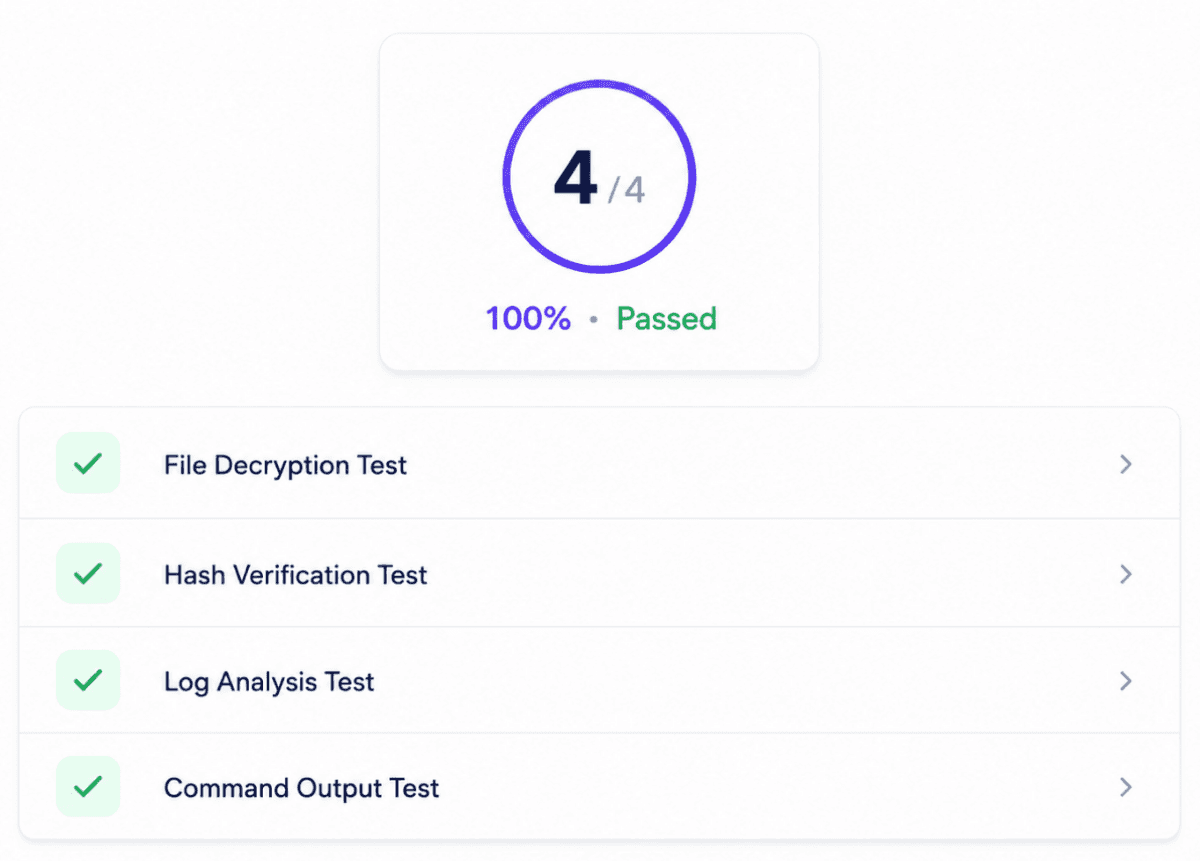
Detailed Test Cases and Feedback
Automatically give detailed feedback to students about whether they've gotten a lab correct or incorrect.
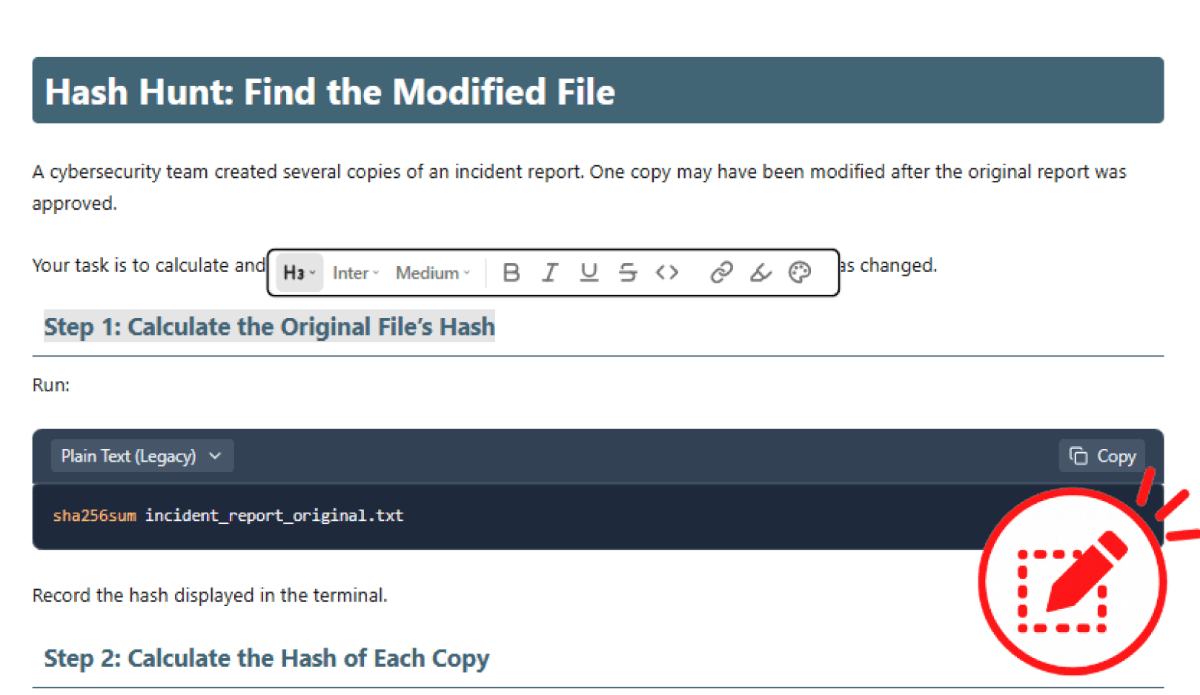
Customizable Assignments
Adapt existing labs or create your own assignments to match your curriculum, learning objectives, and students' needs.
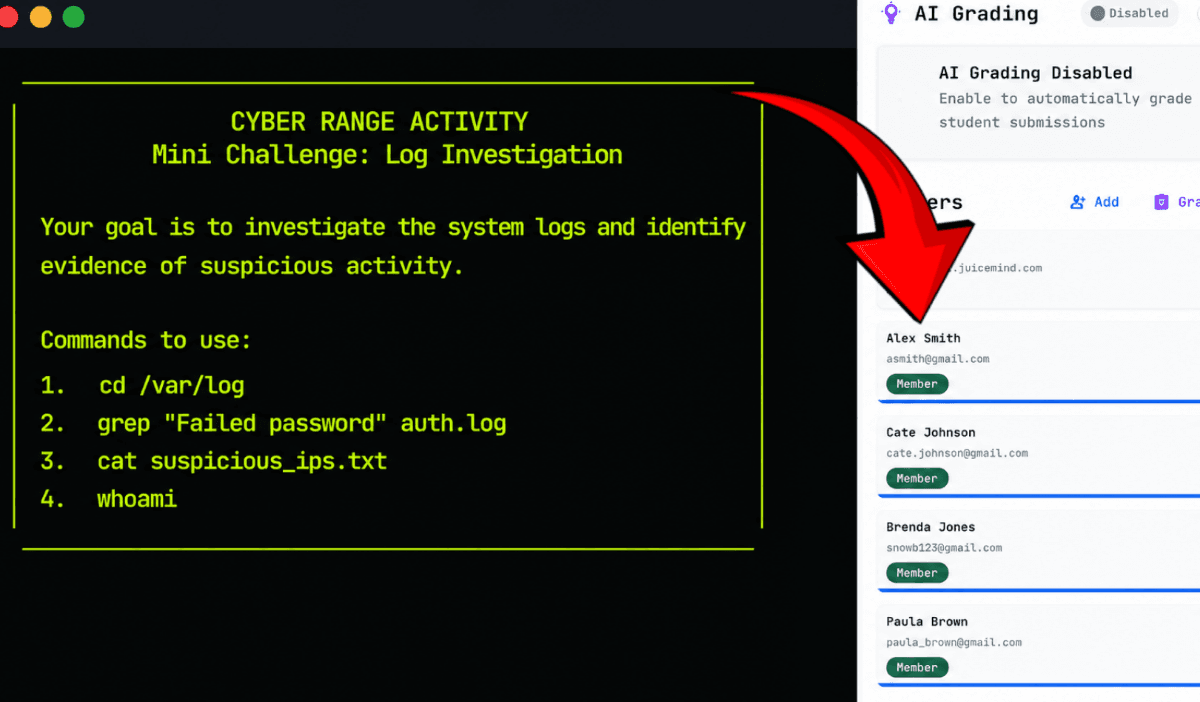
View Student Work with One Click
Open any student's virtual environment with one click to review their commands, progress, and completed work.
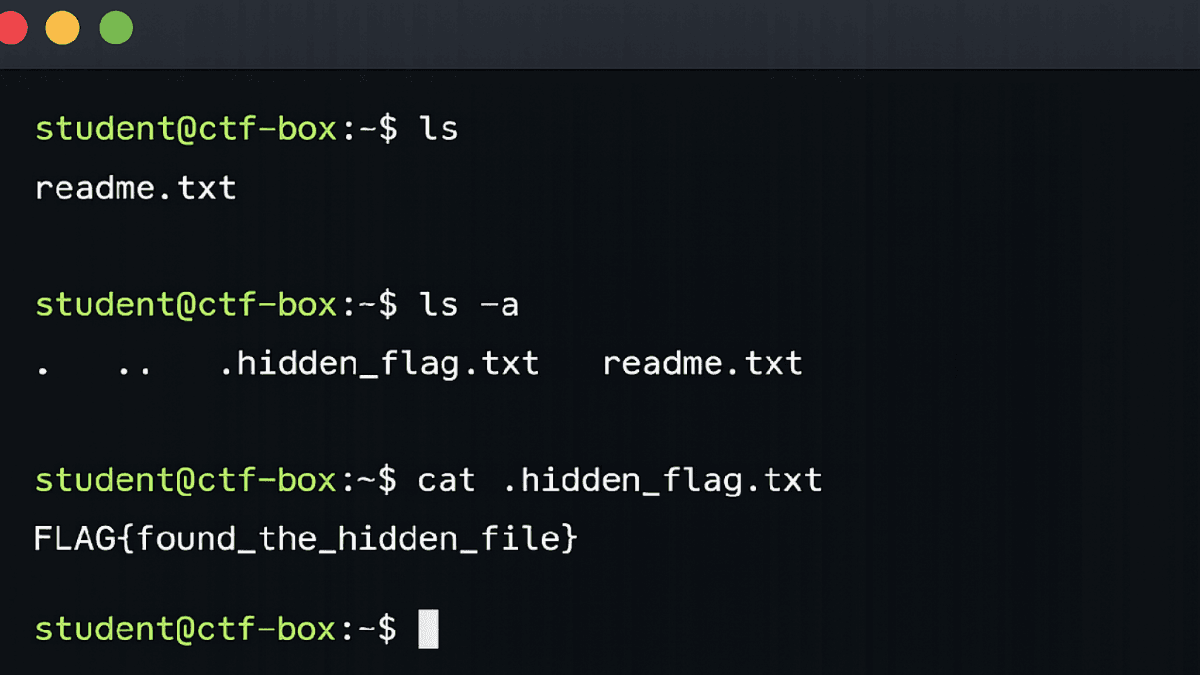
Run Real Linux Commands
Students run Linux commands directly in JuiceMind, with no external software setup required.
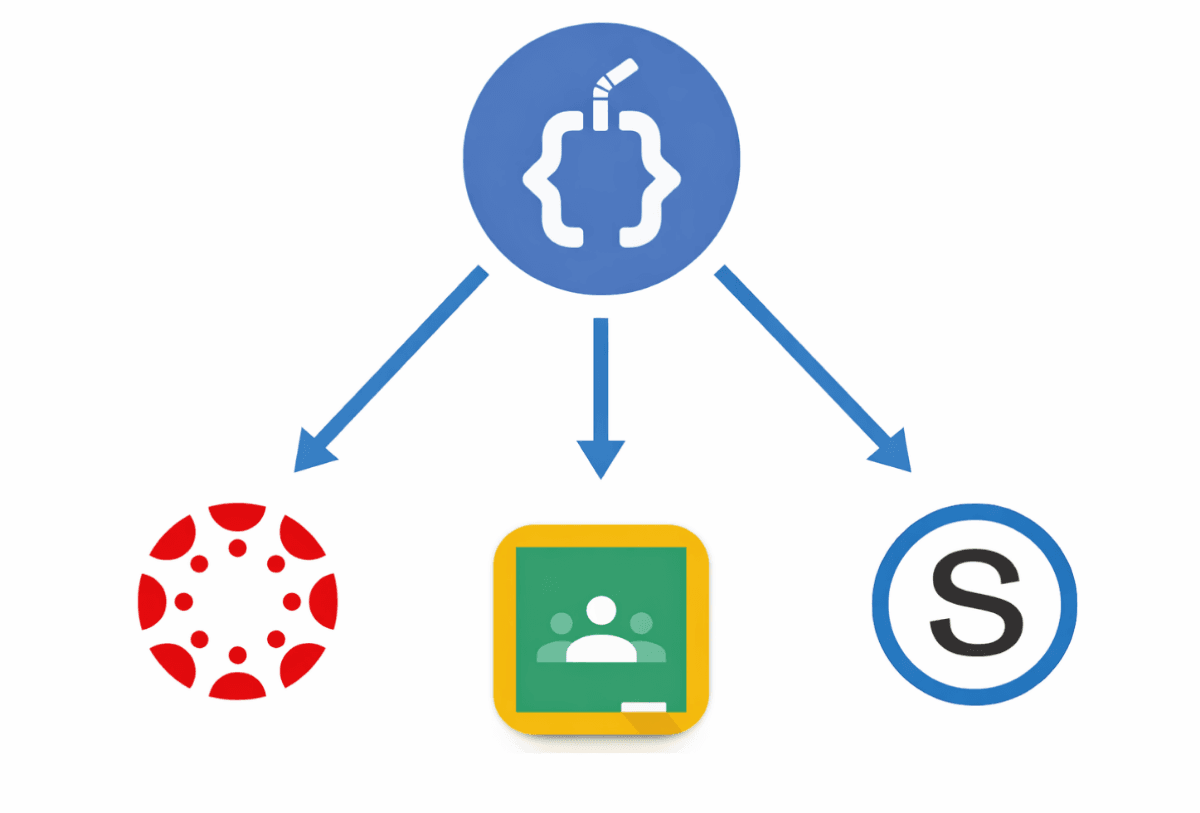
LMS Grade Syncing
Grade student work in JuiceMind and sync grades with your learning management system.
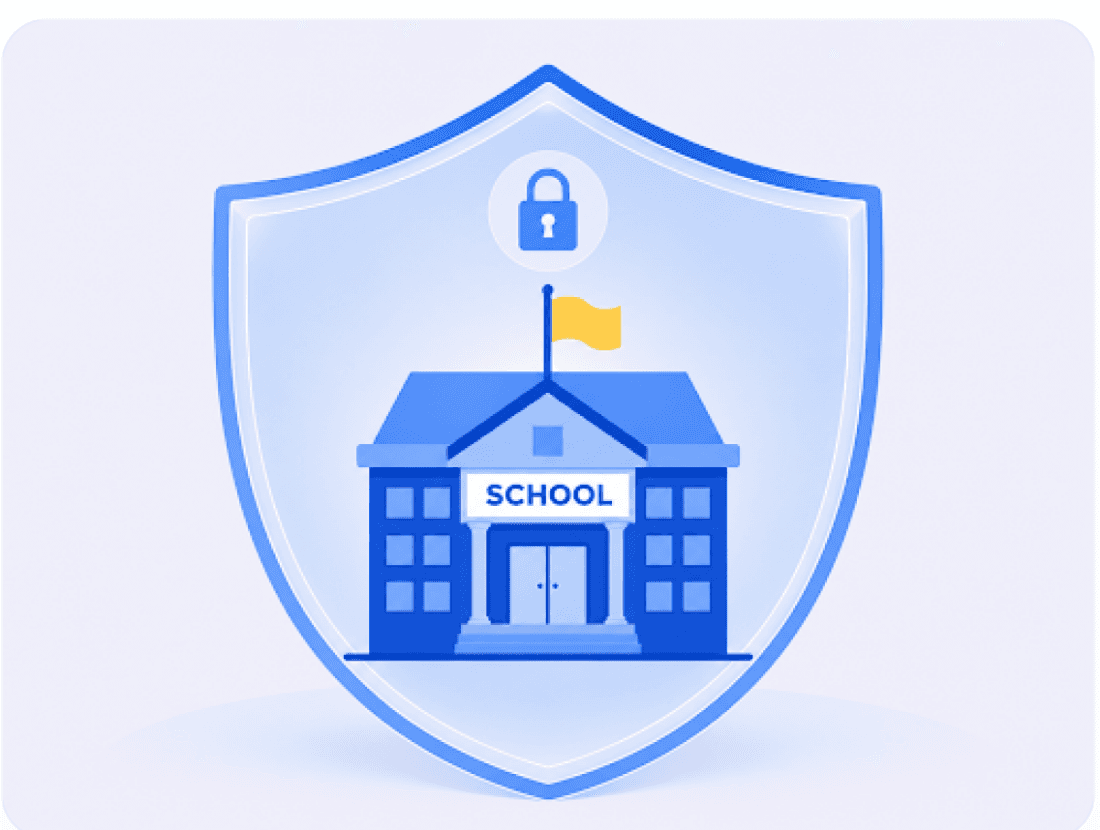
Built for Schools
Unlike open-ended cybersecurity tools, JuiceMind provides a controlled learning environment where students can practice safely without putting school systems at risk. The platform is designed with student privacy and classroom use in mind.
Featured Labs
- File Integrity
Hash Hunt: Find the Modified File
A security team made several copies of an incident report. Compare the SHA-256 hash of each copy against the original to find the one that was changed after approval.
Start Lab - Encryption
Ethical Hacking: Protecting a Non-profit
Two encrypted files were recovered from a storm-damaged relief laptop. Decrypt both, review what is inside, and decide which one has to stay confidential.
Start Lab - Log Forensics
Find Your School's Hacker
A high school confirmed that a student's account was accessed without permission. Follow the evidence from various logs to identify the hacker.
Start Lab
Frequently Asked Questions
An AP Cybersecurity cyber range is a controlled online environment where students can safely practice cybersecurity skills. JuiceMind's Cyber Range gives students access to live Linux terminals and hands-on labs aligned with AP Cybersecurity standards.
JuiceMind helps students apply cybersecurity concepts through hands-on Linux labs and realistic activities. Teachers can choose ready-made labs, create custom assignments, monitor student work, provide feedback, and assign grades from one platform.
JuiceMind provides a safe, controlled environment designed for classroom practice. Students can explore cybersecurity tools and techniques without working directly on school networks or public systems.
JuiceMind is built for school use with student safety and privacy in mind. For more information about data collection, storage, security, and privacy agreements, visit our Privacy and Security page.
No previous experience is required to get started. Teachers can select or customize labs based on their students' skill levels, allowing students to build confidence as they learn Linux commands and cybersecurity concepts.
Yes. Teachers can use ready-made labs as provided or customize assignments to match their curriculum, lesson objectives, and students' needs.
Yes. Teachers can open student work with one click, review progress, leave comments, provide feedback, and assign grades directly within JuiceMind.
Yes. JuiceMind can sync grades with supported learning management systems, helping teachers manage assignments and grades more efficiently.
Ready to level up your skills?
Join thousands of students and professionals mastering cybersecurity in the most realistic environment available.