
JuiceMind Quizzes
A Kahoot-like platform for coding.
Questions built for Computer Science
Choose from Fill in the code, Select the error, and IDE multiple choice questions.
Join in seconds
Students enter a game code and a nickname. No account or install needed.
Pre-made questions
Choose from a pre-made quiz bank, featuring AP CSA, AP CSP, Python, and block-based coding questions.
Question Types
Mix question types inside a single quiz, so one game can move from recall to reading code to writing it.
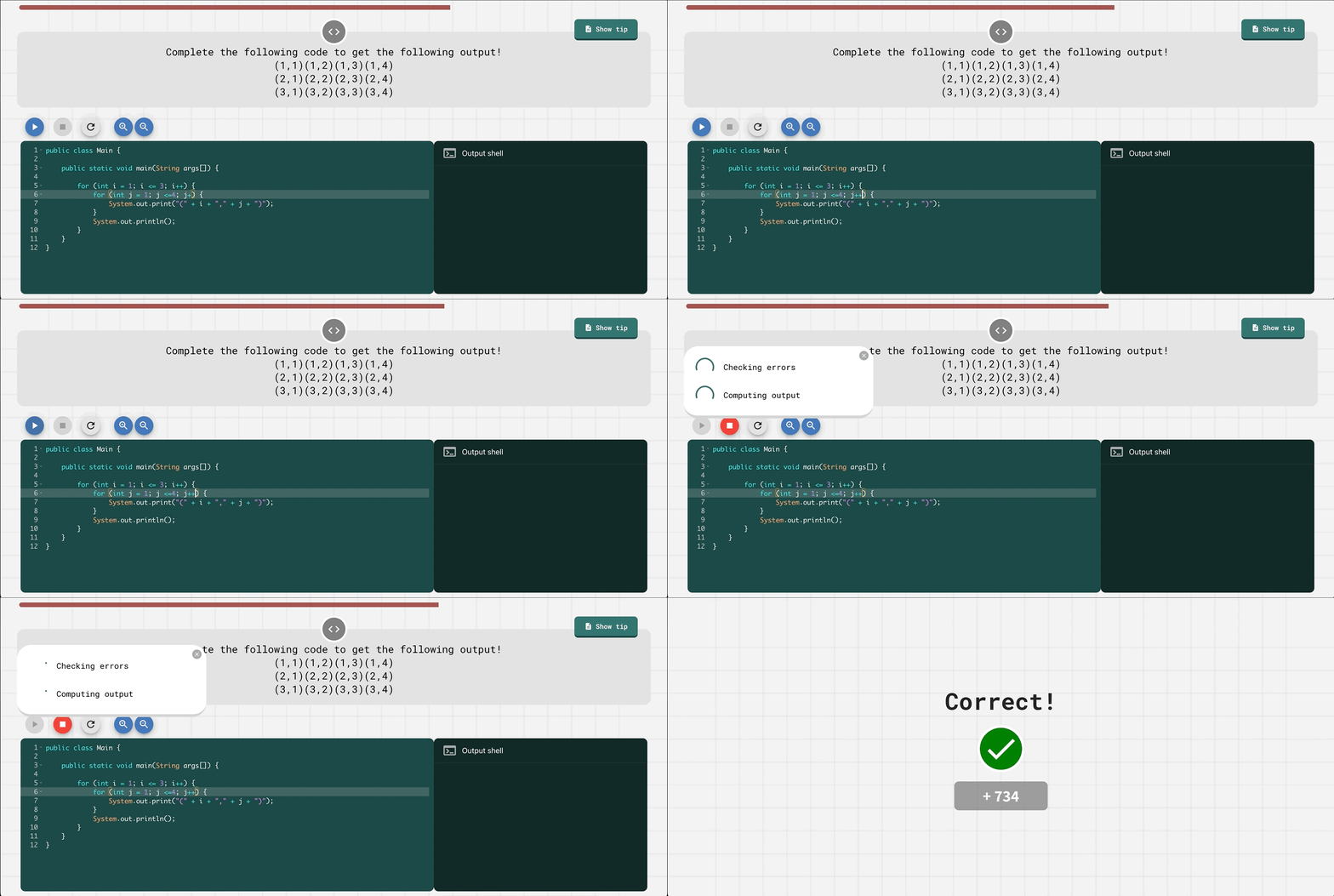
Fill in the Code
Students complete a partly written program, run it, and JuiceMind checks their output against the expected result.
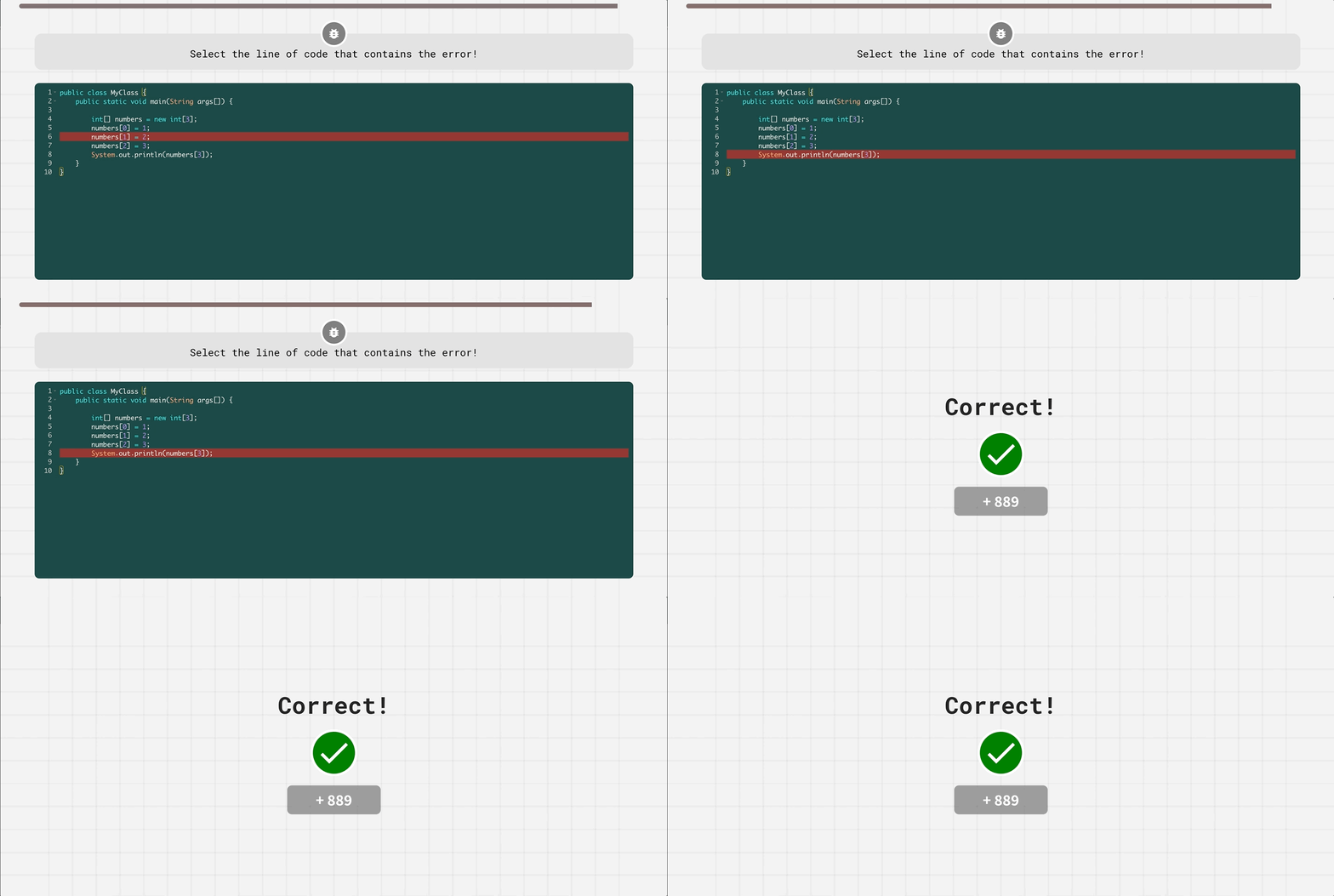
Select the Error
A short program is broken on exactly one line. Students debug by reading it and selecting the line that breaks it.
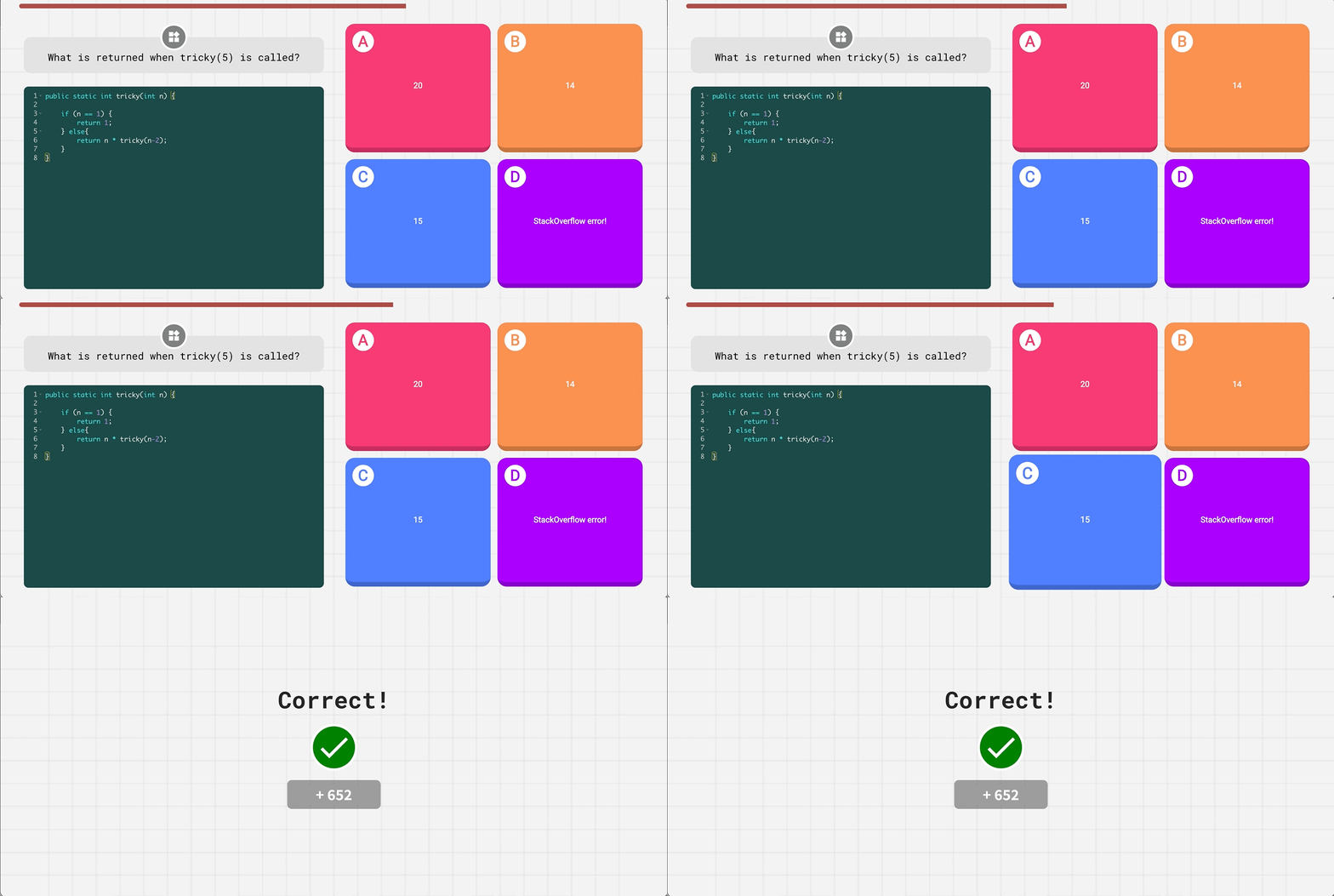
IDE Multiple Choice
Four-option questions with a code snippet attached, so students have to read and trace a real program before they answer.
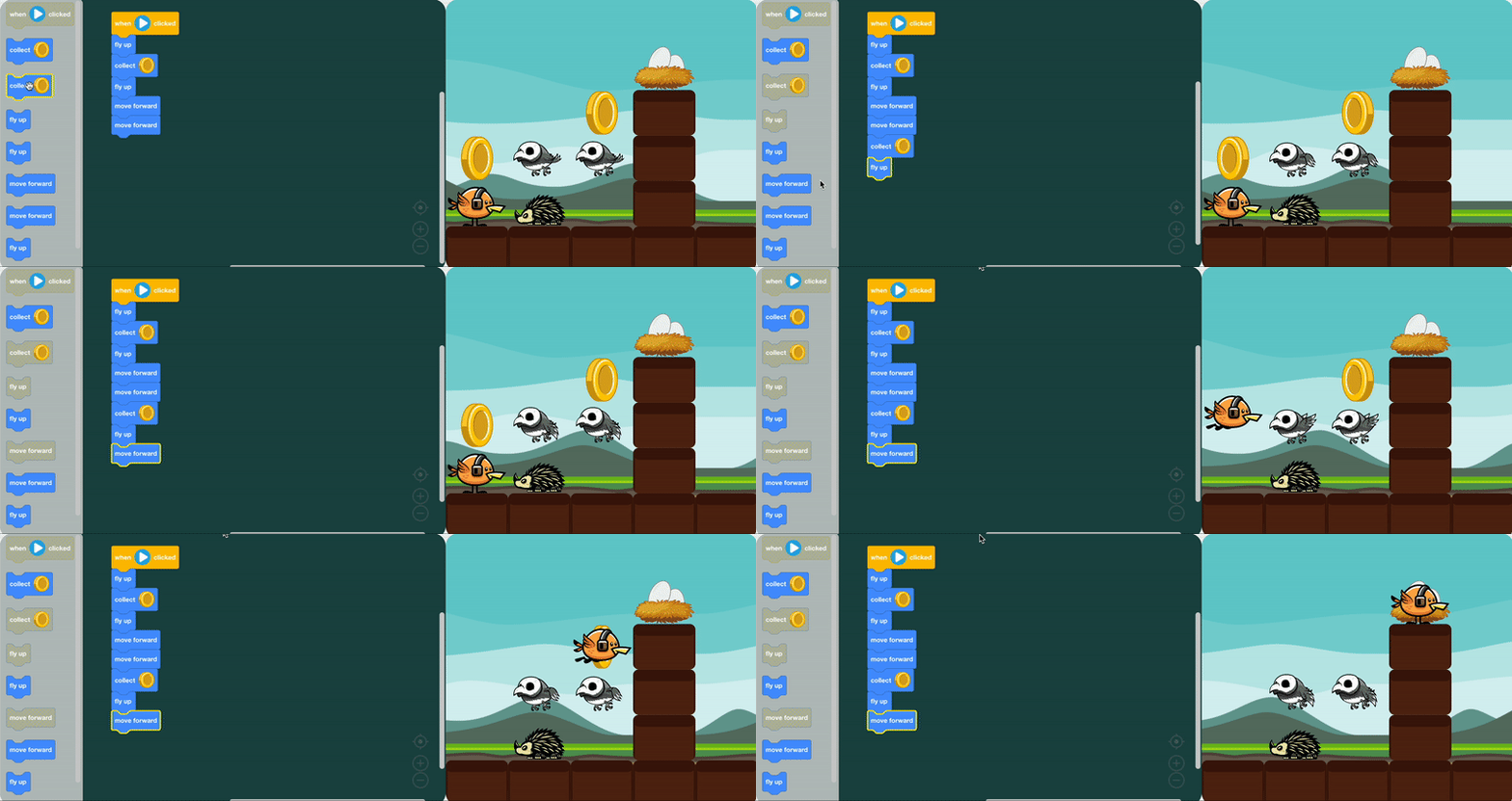
Block Coding
Drag-and-drop block questions for beginners and younger classes, before students move to text-based code.
How It Works
- 1
Step 1
Pick a Quiz
Choose a ready-made quiz from your course library, edit one to fit your lesson, or write your own from scratch.
- 2
Step 2
Share the Game Code
Put the code on the board. Students join with a nickname from any device — no account required.
- 3
Step 3
Play and Review
Run the class question by question, watch the leaderboard move, then review how every student answered.
Built for the Classroom
You decide how competitive, how fast, and how formal each game is.
Per-question timing
Each question carries its own time allowance, and you can turn the timer off entirely when you would rather not rush anyone.
Leaderboard on or off
Keep the competition visible for a review game, or hide it when you want a lower-pressure check for understanding.
Hints and explanations
Questions carry a hint that nudges students toward the concept, and the answer is explained when it is revealed.
Nicknames or real rosters
Let students join with just a nickname, or require them to sign in so every answer is tied to a roster identity.
Edit anything
Start from a ready-made quiz and change the questions, the code, the difficulty or the timing to match what you taught.
Results per student
Attach a quiz to a class and review scores and answers afterwards, per student and per question.
Quiz Libraries by Course
Ready-made quizzes that follow the course you already teach — run one as it is, or use it as a starting point.
AP Computer Science A
Java programming and object-oriented concepts
Start PracticingAP Computer Science Principles
Computational thinking and programming fundamentals
Start PracticingIntro to Java
Java basics and programming foundations
Start PracticingIntro to Python
Python fundamentals and problem solving
Start PracticingIntro to Block Coding
Drag-and-drop coding for beginners
Start Practicing
Frequently Asked Questions
JuiceMind Quizzes are live, game-style quizzes built for computer science classrooms. Alongside ordinary multiple-choice questions, students read code, fix code, and write code that actually runs — so a quiz measures programming skill rather than recall alone.
No. Students open the join page, enter the game code shown on your screen, and pick a nickname. If you would rather tie every answer to a roster identity, you can require students to be signed in when you launch the quiz.
Fill in the Code, where students write code that is run and checked against the expected output; Select the Error, where students pick the line that breaks the program; IDE multiple choice, which attaches a code snippet to a four-option question; and Block Coding for drag-and-drop questions.
Yes. Live quizzes are host-paced: you advance the class question by question and the leaderboard updates between questions. Assigned quizzes are self-paced, so students work through the same questions on their own before a deadline you set.
Either. JuiceMind ships quiz libraries aligned with courses like AP Computer Science A, AP CS Principles, Intro to Python and block-based intro courses. You can run a ready-made quiz as it is, edit it, or build one from scratch.
Coding questions are written in the language of the course they belong to, including Python, Java and JavaScript, and block-based questions for classes that have not moved to text-based code yet.
No. Each question carries its own time allowance, but the timer, the leaderboard, retries, and whether results appear before everyone has finished are all settings you choose when you start the quiz.
Yes. Attach a quiz to a class and JuiceMind records every student's answers and score, so you can review results per student and per question after the game ends.
Ready to run your first quiz?
Pick a quiz from your course library, put the game code on the board, and play. It takes about a minute to start.