
JuiceMind IDE
The online IDE for K12 education
length = 14.5
width = 7.5

area = length * width

print("The area is", area, "square feet")
Output
Press Run.
Works on any device
Runs in the browser — nothing to install.
Automated grading
Tests run against every submission.
Fully customizable
Edit the lesson, starter code, and tests.
Supported Programming Languages
Our platform supports a wide range of languages to meet all your teaching needs


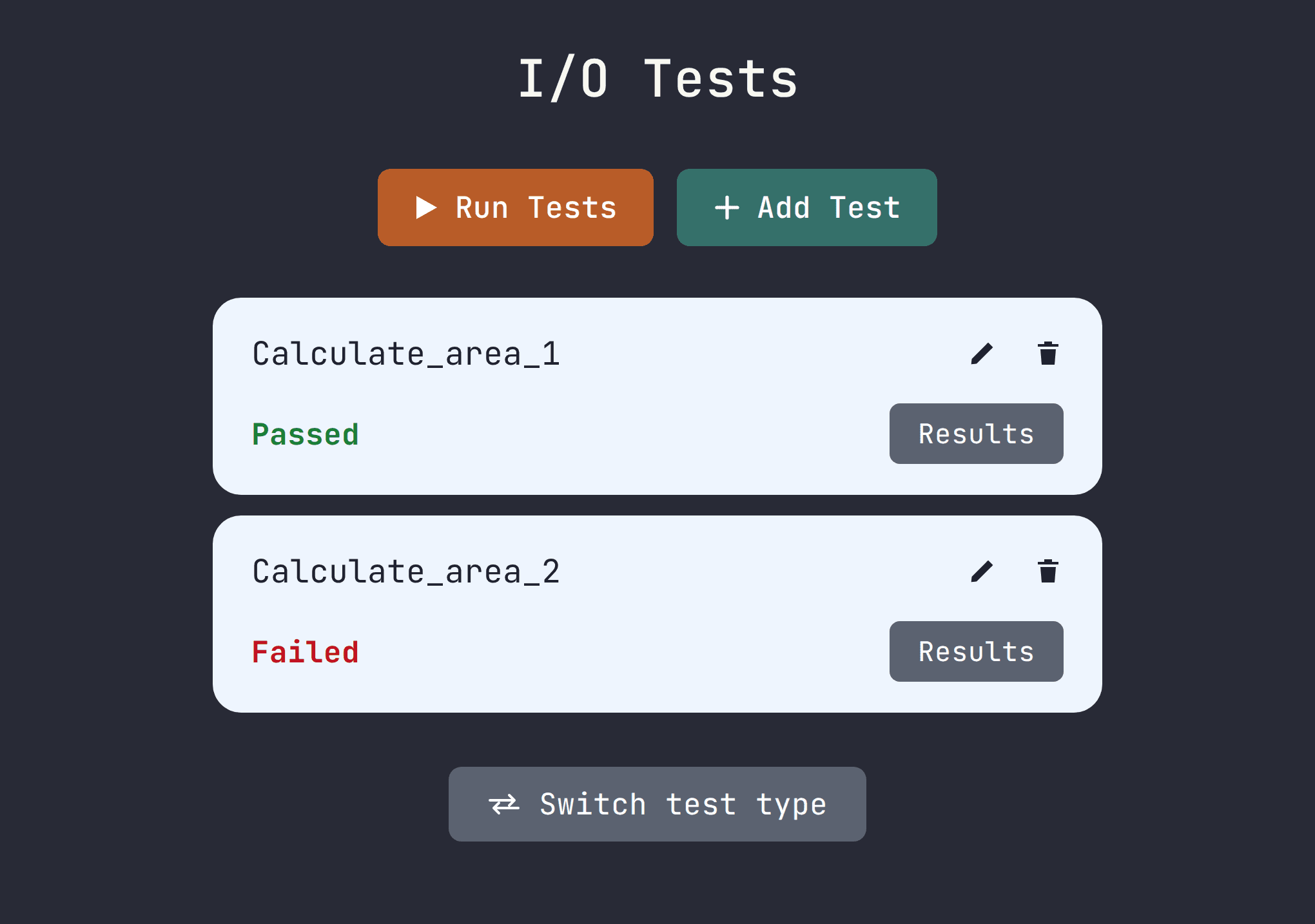
Automated grading system to give you back hours
Attach unit tests and I/O tests to any assignment. Every submission is checked as soon as a student submits their assignments:
- AI-generated unit tests and I/O tests on any assignment
- Instant pass / fail feedback for students
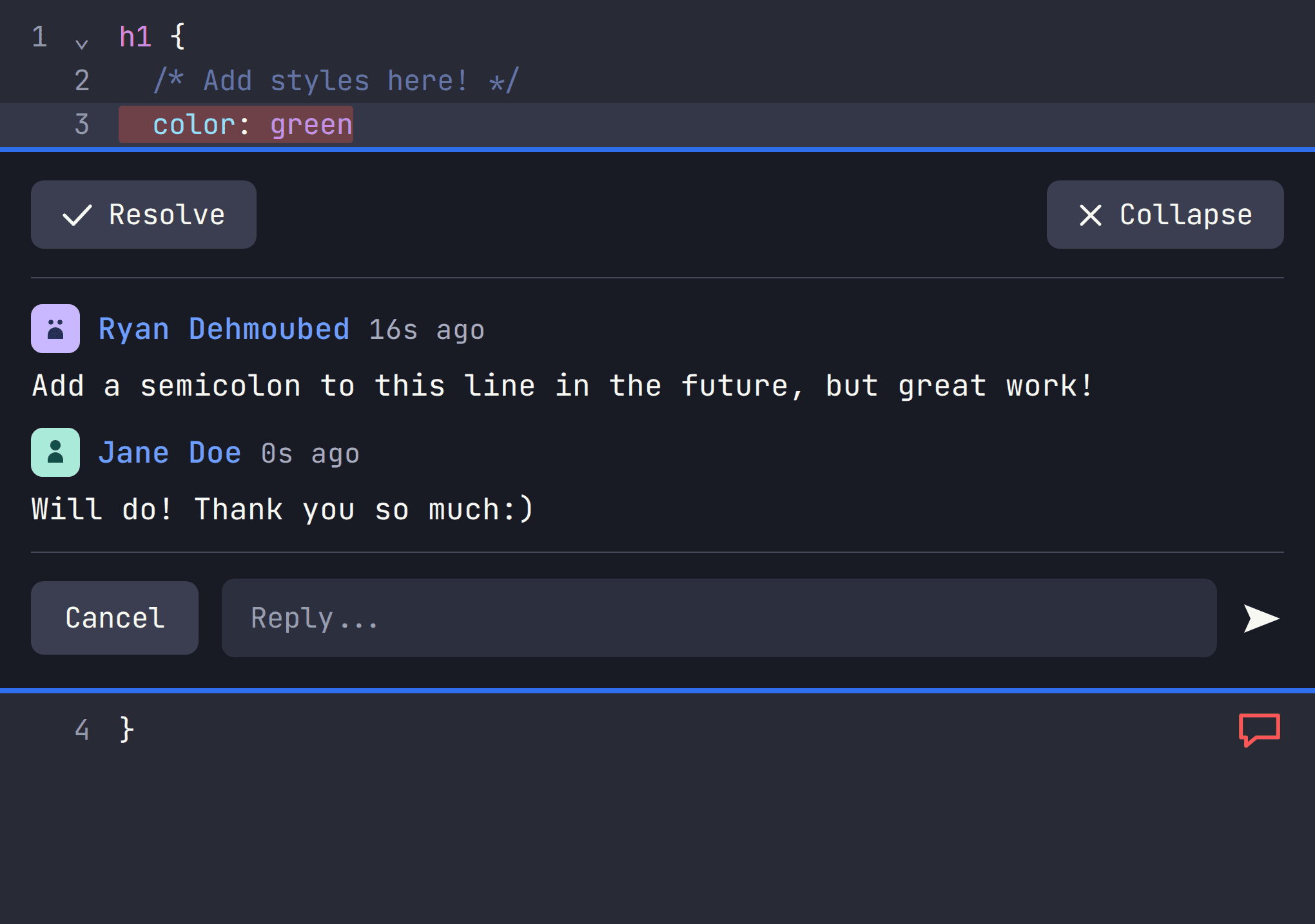
View and comment on student code
Open any student's file, highlight the line you are worried about, and leave a comment on a line-by-line basis. Students reply in the same thread so they don't have to context switch:
- Comment on the exact line
- Back and forth conversations within a thread
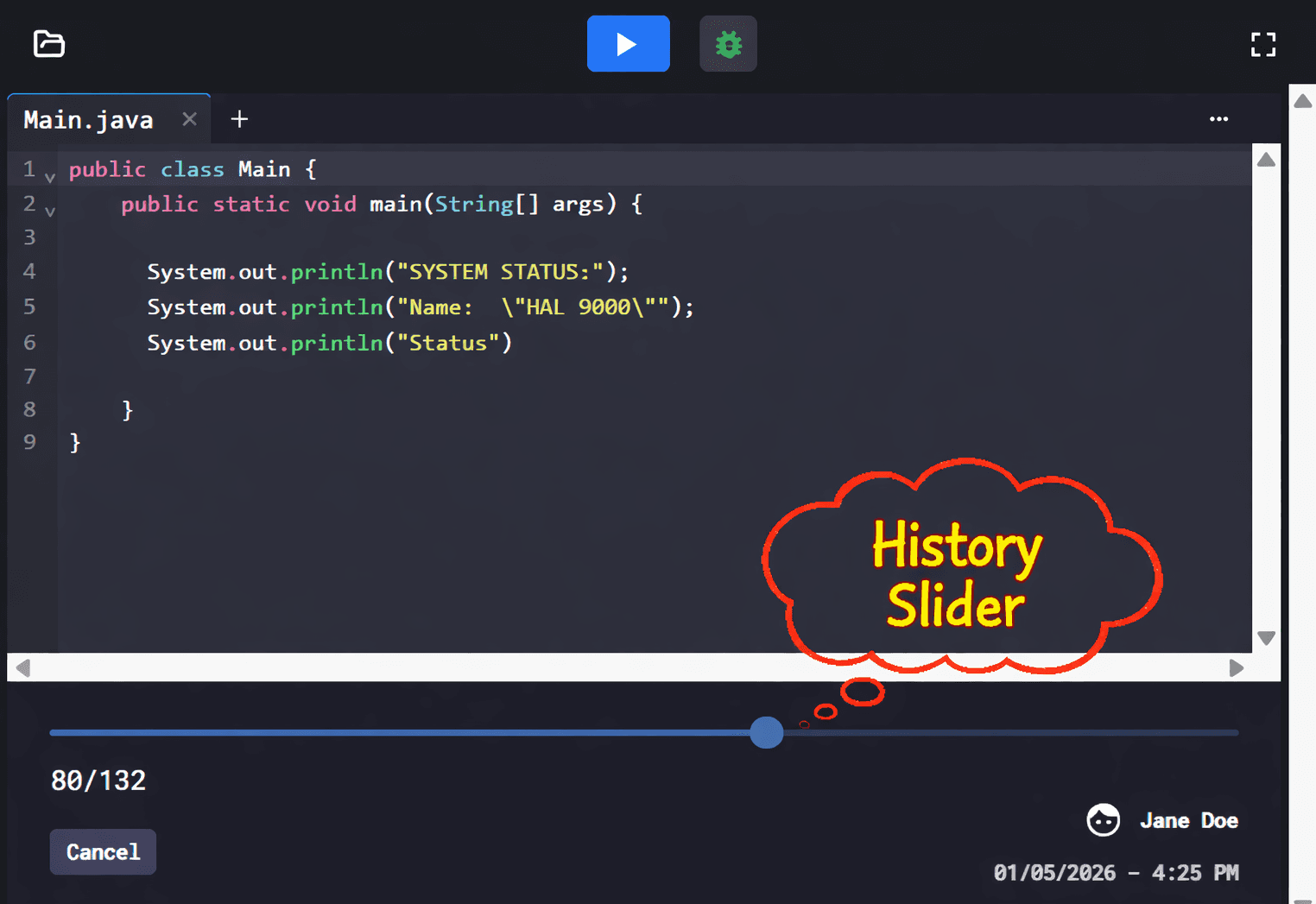
Catch students cheating
Disable copy and paste to reduce cheating, monitor the class in real time, and replay any submission using the history slider:
- Copy and paste can be disabled
- Replay any submission step by step
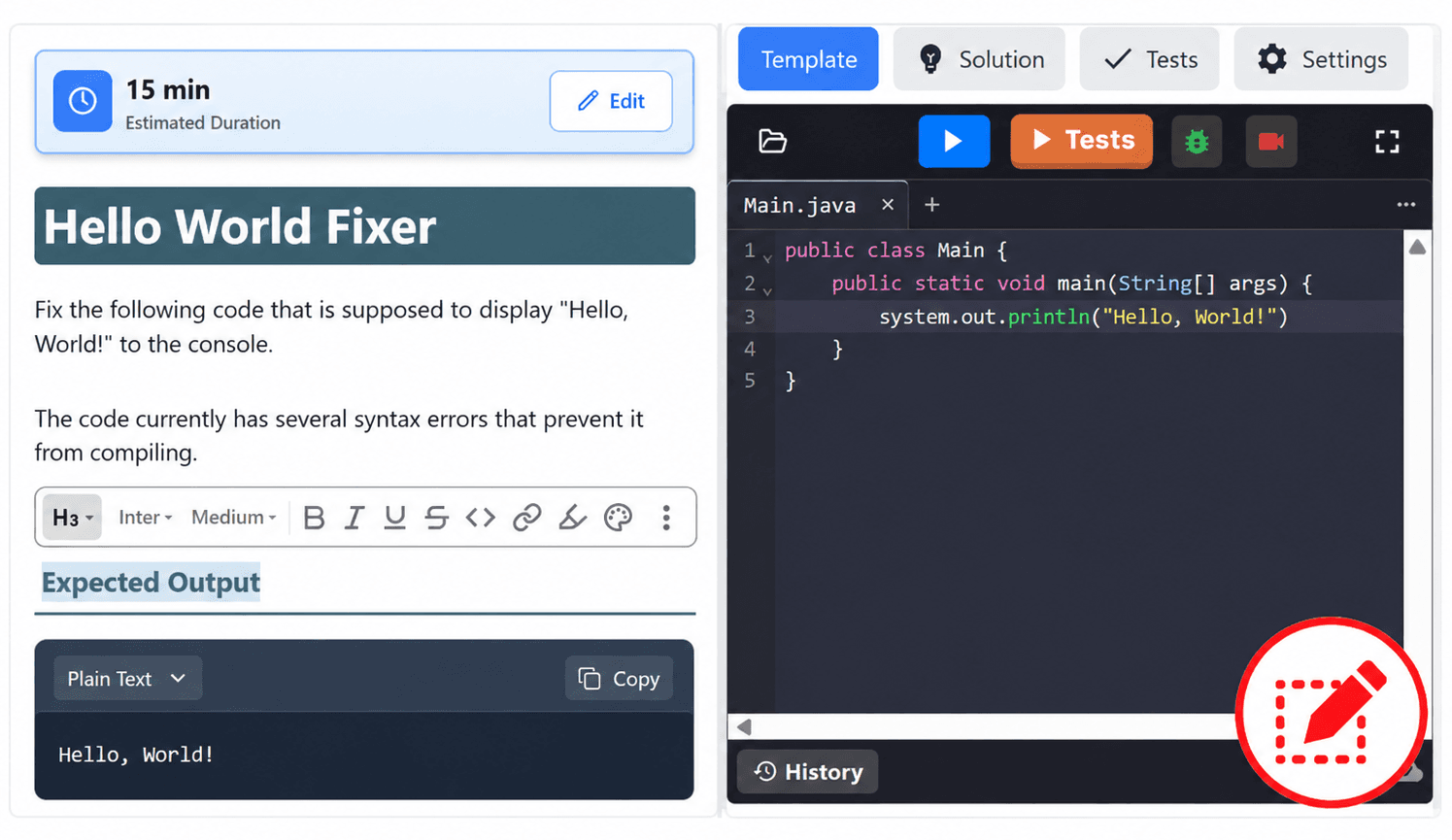
Customize and edit everything
Have the opportunity to edit every assignment from starter code, test cases, and lesson plans:
- Swap in your own instructions, examples, and hints
- Adjust or replace anything that was generated for you
Everything You Need
A complete platform built for K-12 computer science education
LTI Integration
Canvas, Google Classroom, Schoology
Web-based
Complete everything on any web browser
Group Projects
Collaborate in real-time with classmates
Debugger
Step through code line by line
Pre-made Exercises
Ready-to-use exercises and projects
24-Hour Support
Customer support around the clock